
Mixing and Project Delivery Lab
All Music Technology Worksheets
Give students a structured way to reason through mixing and project delivery before they touch a session. Seven printable activities cover gain, pan, automation, EQ, reverb routing, missing media, and export requirements.
Free PDF downloads • Seven worksheets • 56 questions • Student pages and matched answer keys • US Letter
Download the complete packet
Download Mixing and Project Delivery Lab — student pages and answer keys (14-page PDF)
Print pages 1–7 for students and keep pages 8–14 as the teacher keys. Each individual PDF below contains a student page followed by its matching key. No software account or audio files are required.
Learning goals
- Add gain changes and calculate peak headroom in an explicitly simplified signal chain.
- Interpret a pan-position diagram without confusing direction with loudness.
- Interpret automation breakpoints, constant spans, and linear interpolation in a dB display.
- Match an EQ band and gain direction to specific listening evidence instead of using a universal preset.
- Trace a parallel dry/wet signal route and predict changes to sends and returns.
- Resolve broken source paths and check a portable project package without silently substituting takes.
- Audit an exported file against a detailed delivery specification and distinguish metadata checks from listening checks.
Choose a worksheet
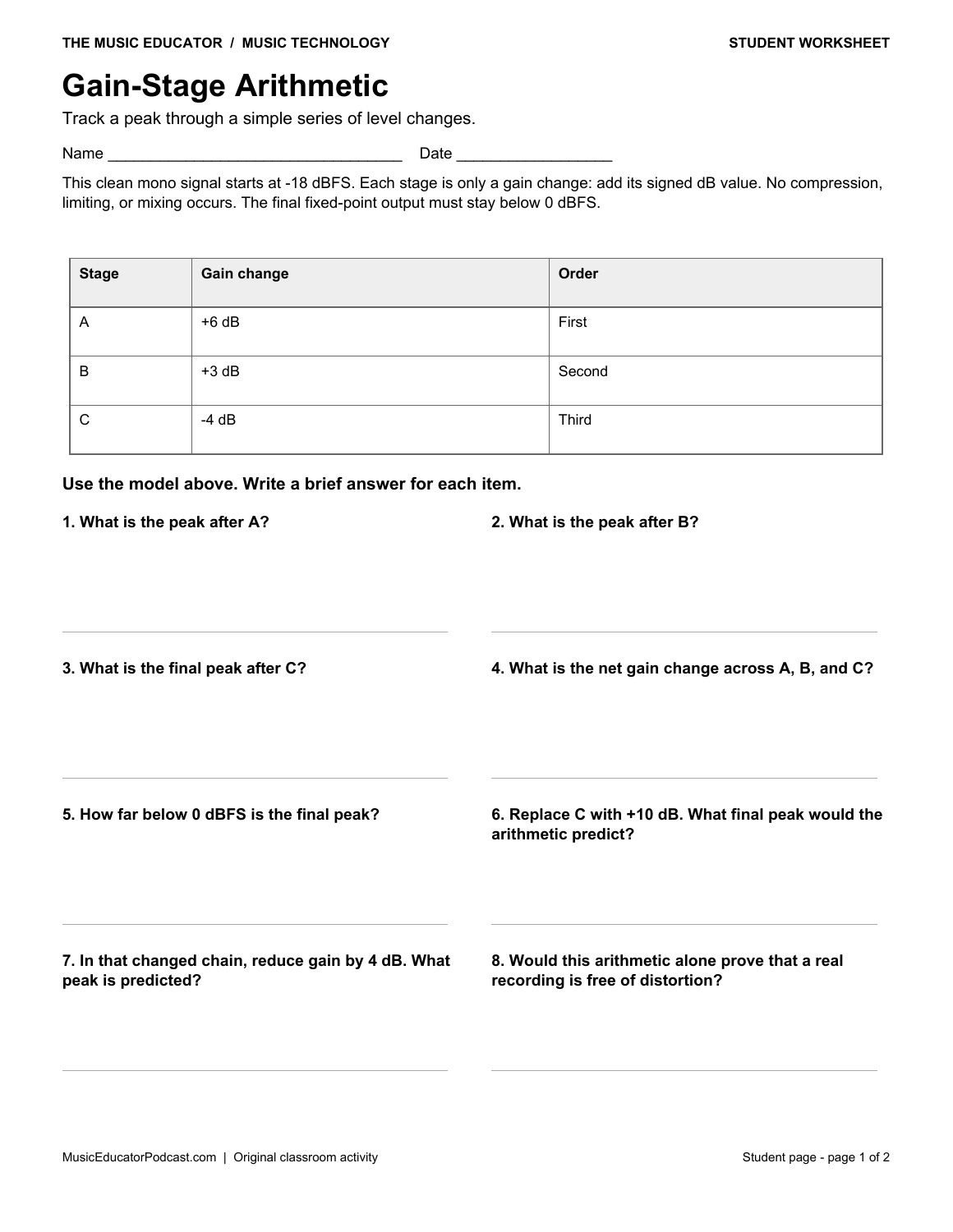
Gain-Stage Arithmetic
Track a peak through a simple series of level changes. Add gain changes and calculate peak headroom in an explicitly simplified signal chain.
Download Gain-Stage Arithmetic with answer key (2-page PDF)
Preview the student worksheet
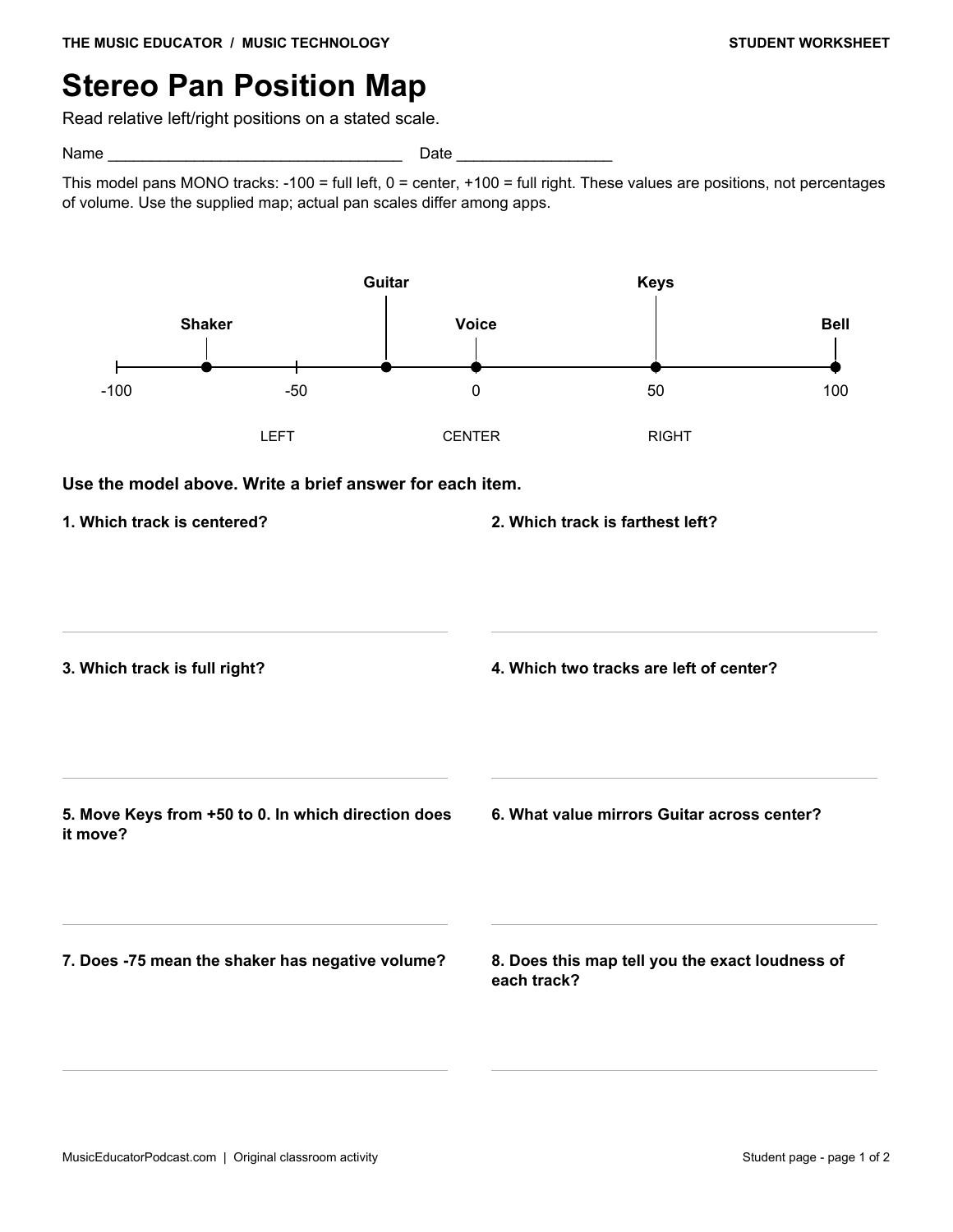
Stereo Pan Position Map
Read relative left/right positions on a stated scale. Interpret a pan-position diagram without confusing direction with loudness.
Download Stereo Pan Position Map with answer key (2-page PDF)
Preview the student worksheet
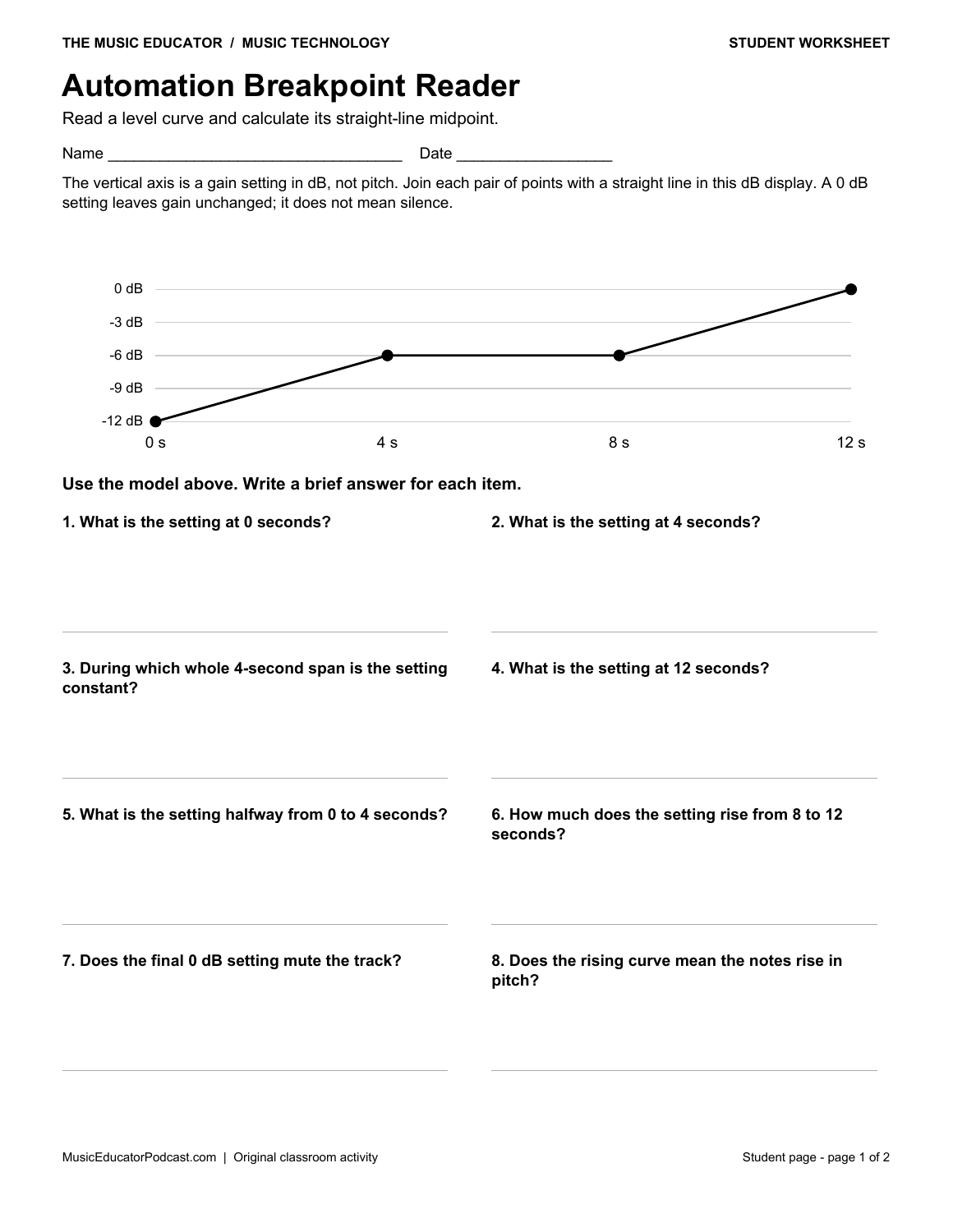
Automation Breakpoint Reader
Read a level curve and calculate its straight-line midpoint. Interpret automation breakpoints, constant spans, and linear interpolation in a dB display.
Download Automation Breakpoint Reader with answer key (2-page PDF)
Preview the student worksheet
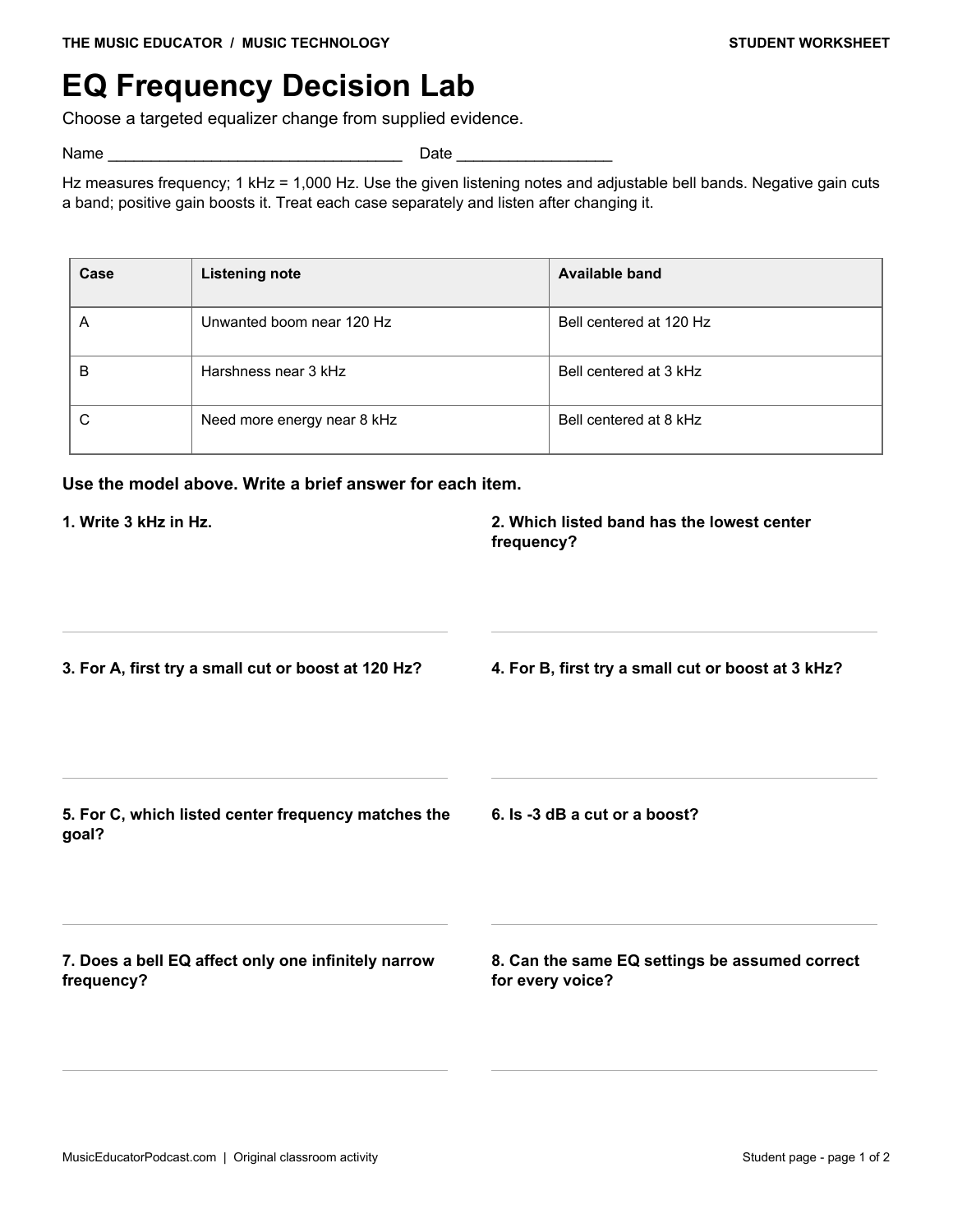
EQ Frequency Decision Lab
Choose a targeted equalizer change from supplied evidence. Match an EQ band and gain direction to specific listening evidence instead of using a universal preset.
Download EQ Frequency Decision Lab with answer key (2-page PDF)
Preview the student worksheet
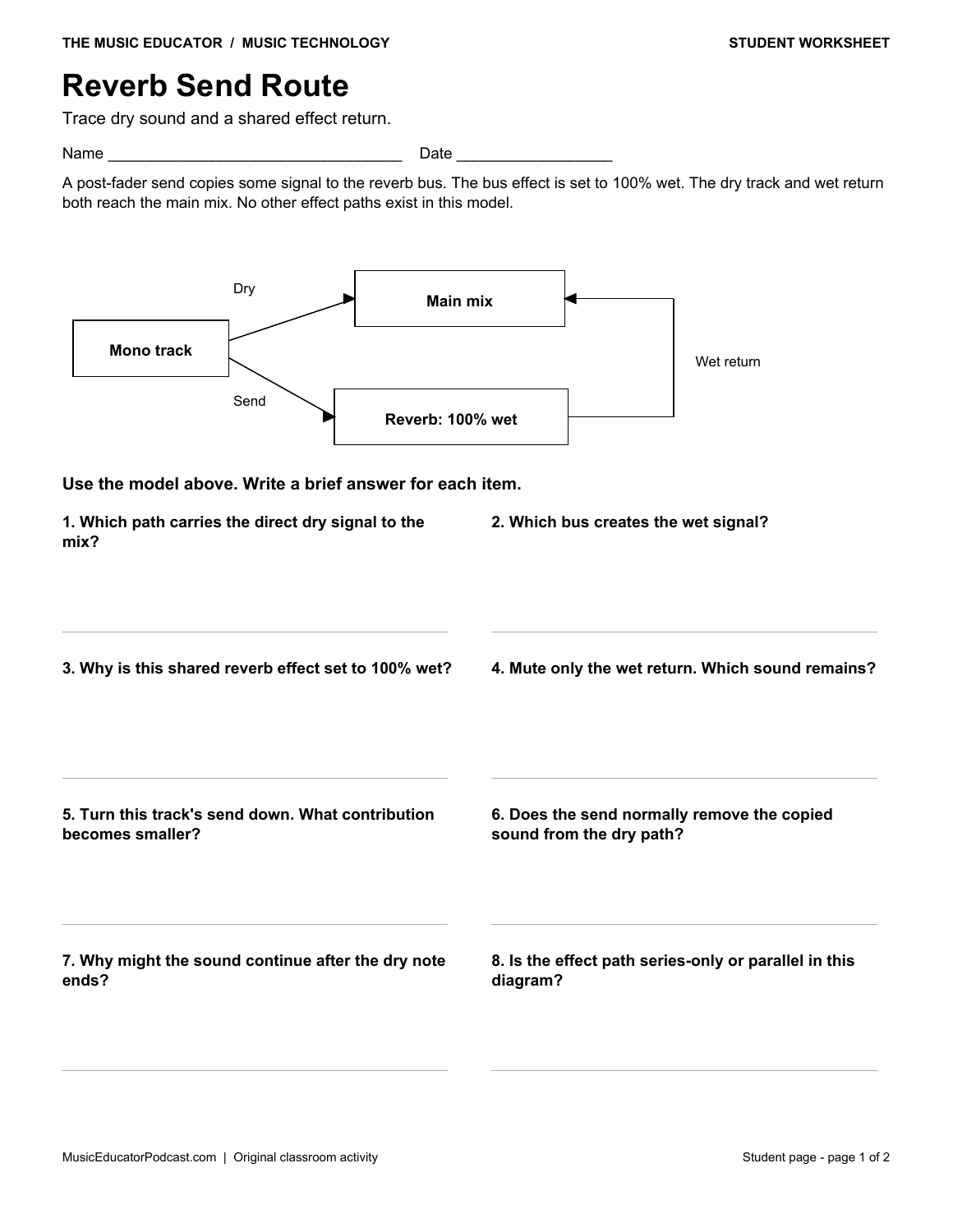
Reverb Send Route
Trace dry sound and a shared effect return. Trace a parallel dry/wet signal route and predict changes to sends and returns.
Download Reverb Send Route with answer key (2-page PDF)
Preview the student worksheet
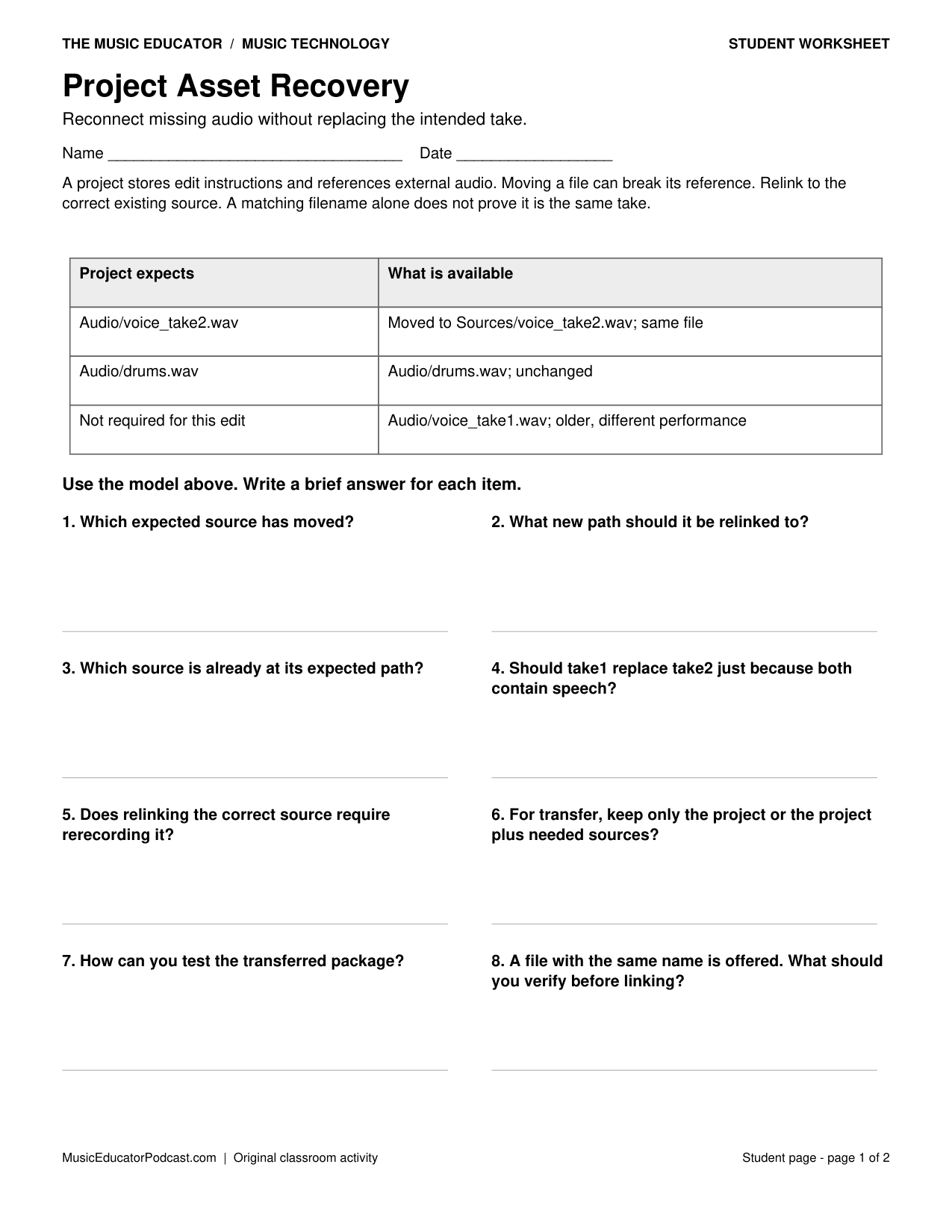
Project Asset Recovery
Reconnect missing audio without replacing the intended take. Resolve broken source paths and check a portable project package without silently substituting takes.
Download Project Asset Recovery with answer key (2-page PDF)
Preview the student worksheet
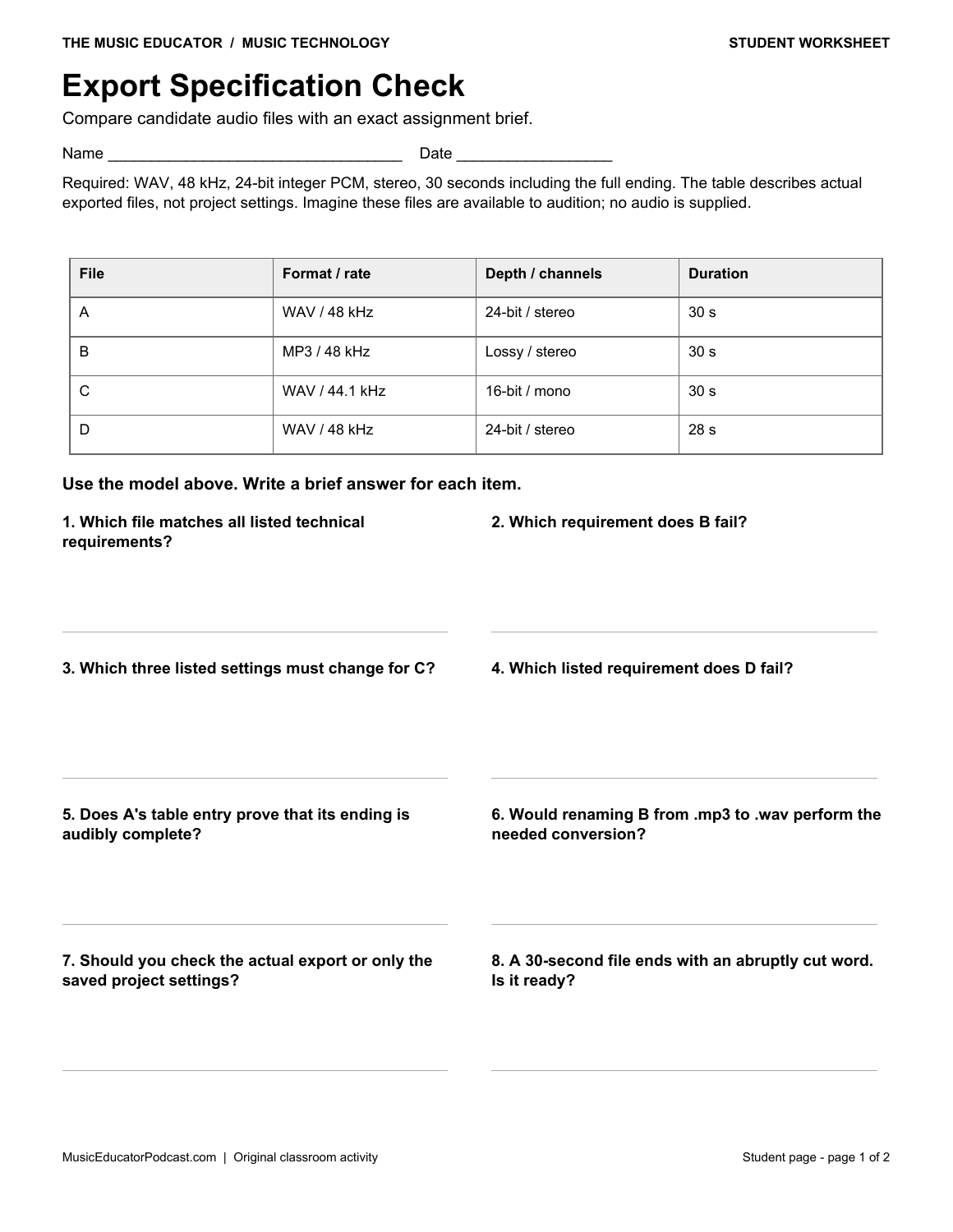
Export Specification Check
Compare candidate audio files with an exact assignment brief. Audit an exported file against a detailed delivery specification and distinguish metadata checks from listening checks.
Download Export Specification Check with answer key (2-page PDF)
Preview the student worksheet
Classroom use
Start with gain and pan, then trace automation and a reverb return. Pair students to justify an EQ choice using the stated listening goal. Finish with the asset-recovery and export checks as a rehearsal for submitting a real project. These paper scenarios do not supply audio: optional listening comparisons require teacher-selected examples.
Use one worksheet as a 10–15 minute warm-up, partner task, or exit check. Read the model and its assumptions together before students work independently. Review explanations as well as final answers; the keys show the intended reasoning for these specific scenarios.
Frequently asked questions
What age group is this for?
These activities suit introductory secondary music technology and adaptable adult beginners. Teachers can model the arithmetic or allow calculators when students need support.
Can I print only the student pages?
Yes. Print page 1 of an individual download, or pages 1–7 of the complete packet. Answer keys follow the student pages.
Do the diagrams represent a particular DAW?
No. They are simplified teaching models. Follow each worksheet’s stated units, scales, and rules; real applications may label controls differently.
Related free resources
For technical background, see Ableton’s reference manual and Audacity’s digital audio guide. The worksheet diagrams and exercises are original teaching materials.