
Notation Project Check
Music Technology Worksheets · Jump to the free PDF
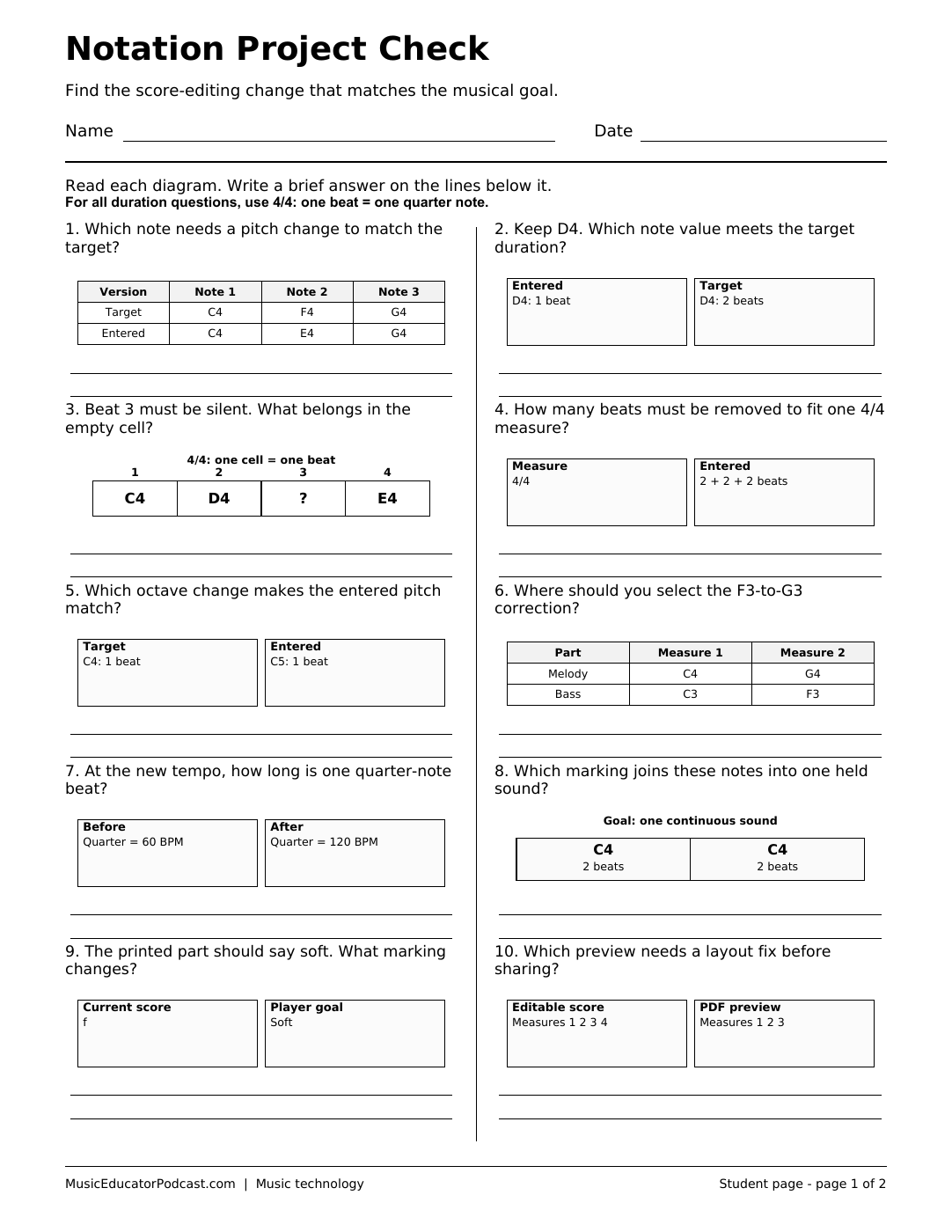
An attractive digital score can still contain the wrong pitch, duration, rest, or part assignment. This worksheet gives beginning notation-software users ten small editing decisions to investigate before sharing a project. Simplified score plans and edit cards make the task possible on paper, with a matching answer page for review.
Download and print
Download worksheet and answer key (2-page PDF)
Print page 1 for students. Page 2 is the matching answer key. The free download requires no account.
A two-page printable PDF with ten diagram-supported student questions and a matching answer key. The activity uses software-neutral edit scenarios rather than interface screenshots.
What students practice
- Select the intended part, measure, and note before editing.
- Distinguish changes to pitch, duration, tempo, and written dynamics.
- Check a four-beat measure for missing or excess duration.
- Compare an editable score with its PDF preview before sharing.
Classroom use
All duration questions use 4/4, with one quarter note per beat. Use this page during an introductory notation unit or as a checklist discussion before students submit an original melody. Have students name the exact musical property they would change before opening a menu. A brief practical extension can compare the written score with playback to show why neither check replaces the other.
Common questions
Must students use Noteflight?
No. The editing ideas transfer to notation software with comparable note, rest, part, and playback controls.
Is the answer key included?
Yes. Page 2 repeats the student layout and adds concise accepted answers.
Can students complete this without a device?
Yes. All necessary scenario information is printed on the student page.